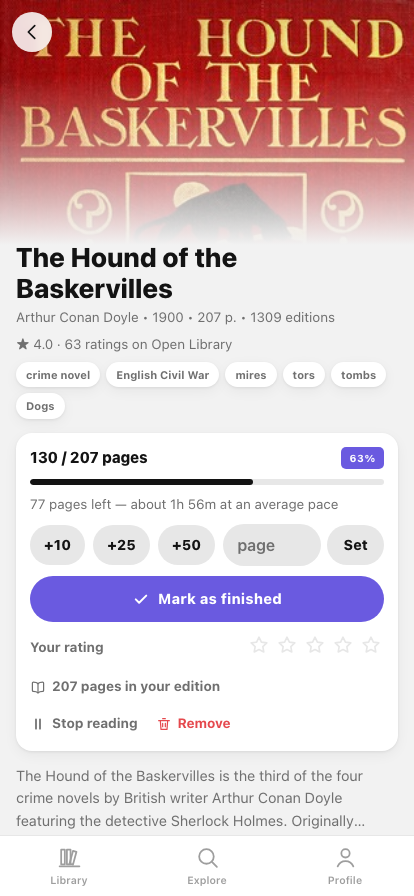
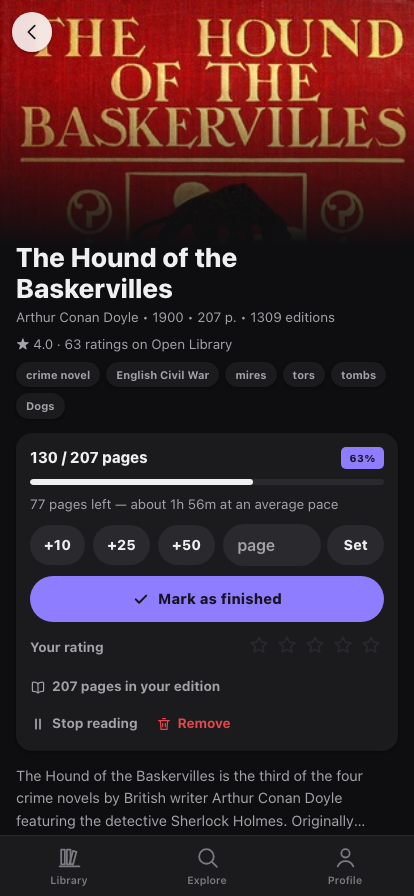
What it looks like
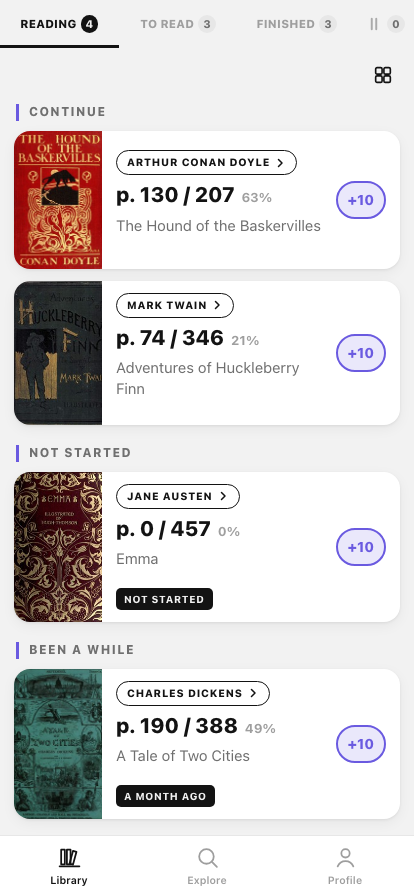
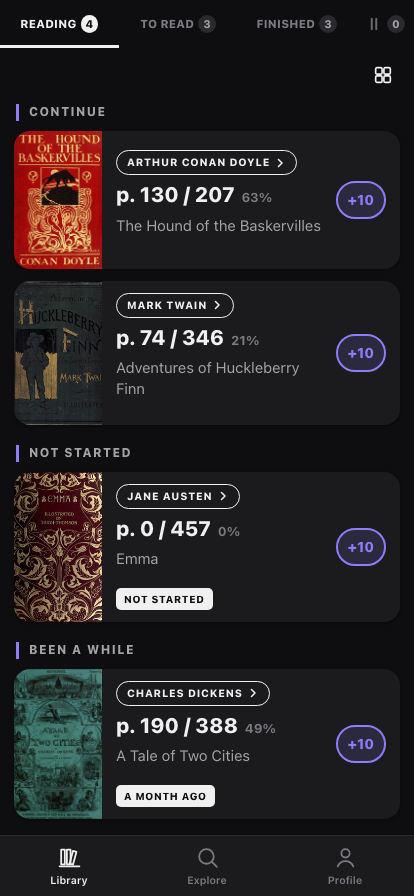
What it does
-
A list that knows where you stopped
Continue, Not Started and Been a While. Each card shows the page you're on (
p. 312 / 496) and moves forward with one tap — with Undo. -
Pages, not vague percentages
Quick
+10 / +25 / +50steps or the exact page you closed on. The page count comes from the catalogue and you can correct it for the edition actually in your hands. -
How much is left, in hours
“184 pages left — about 4h 36m at an average pace.” An estimate, and the app says so rather than pretending to know how fast you read.
-
One library that tells you where things are
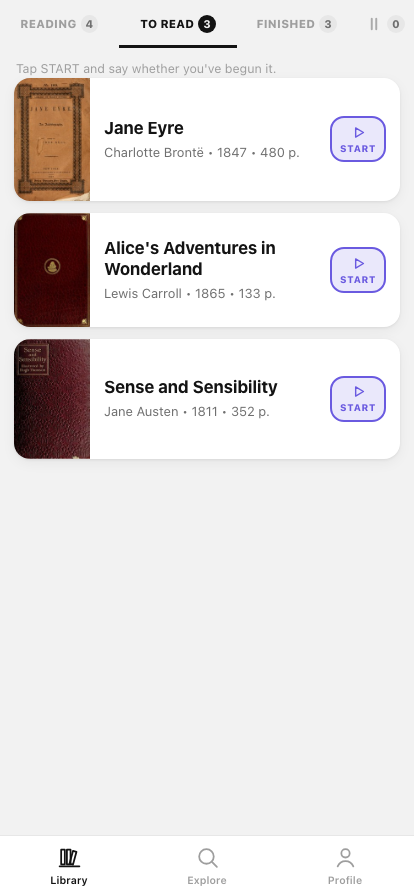
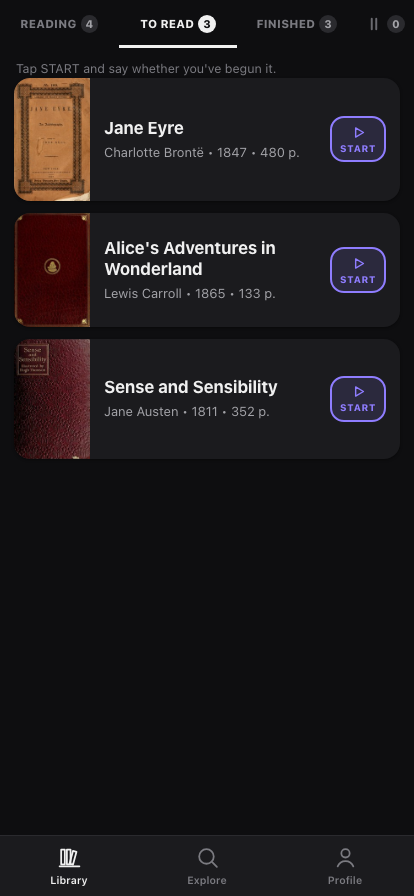
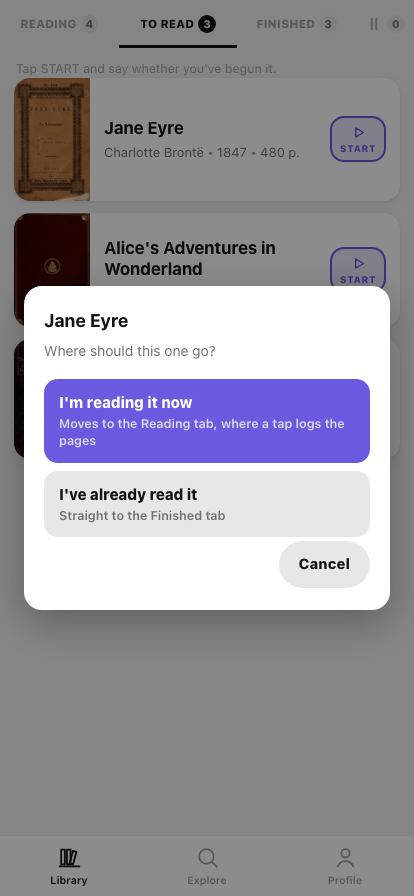
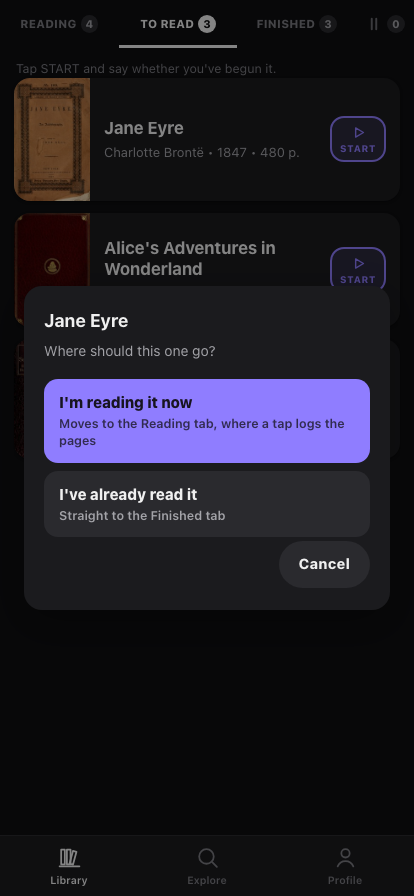
Reading, To read, Finished and a paused pile, each tab carrying its count. START asks whether you've begun the book or already read it, then switches to the tab it moved to — no hunting for where it went.
-
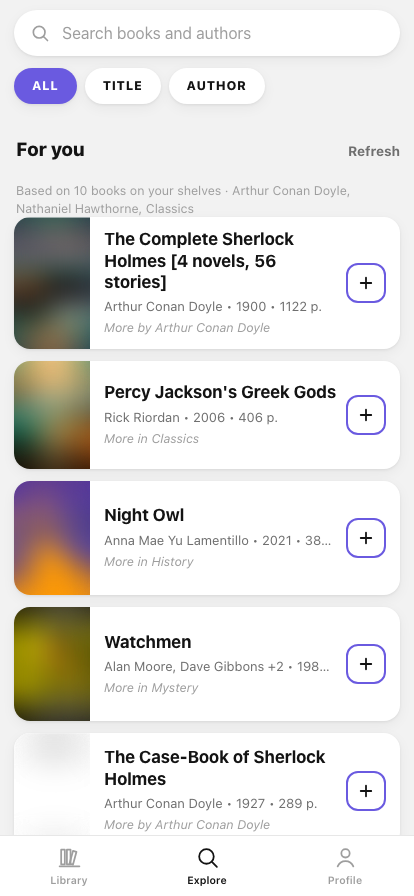
Recommendations that explain themselves
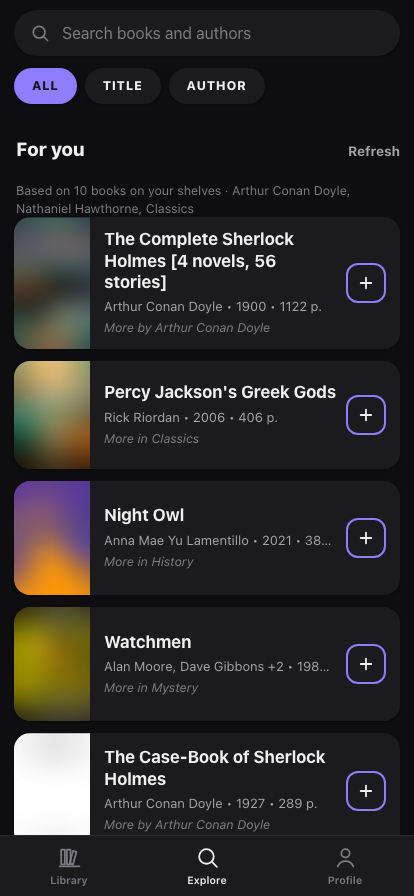
“For you” is computed on your device from your own shelves — the authors you finished and the subjects those books share. Anything already in your library is left out, and every card says why it's there.
-
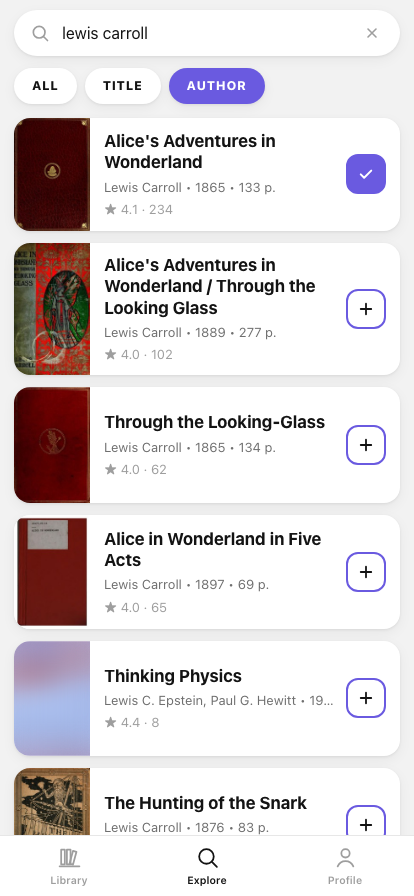
Search that stays on the book
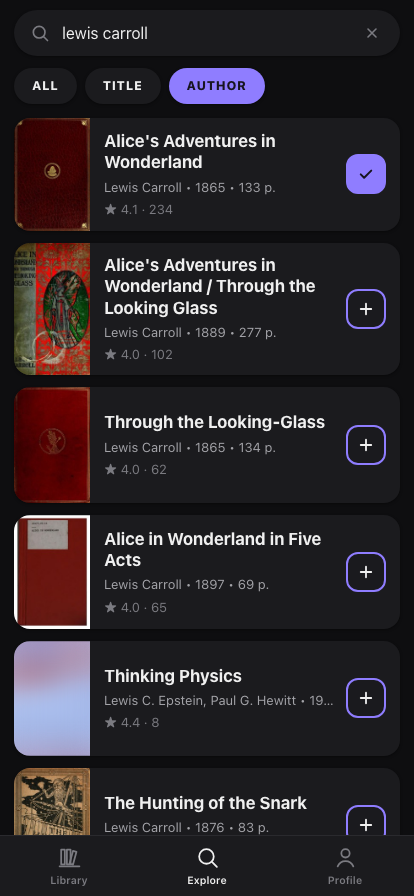
Scoped to ALL, TITLE or AUTHOR, with unofficial “summaries” and workbooks pushed below the book they were written about. Trending this week and a genre strip when you have nothing to type.
-
Your year, added up
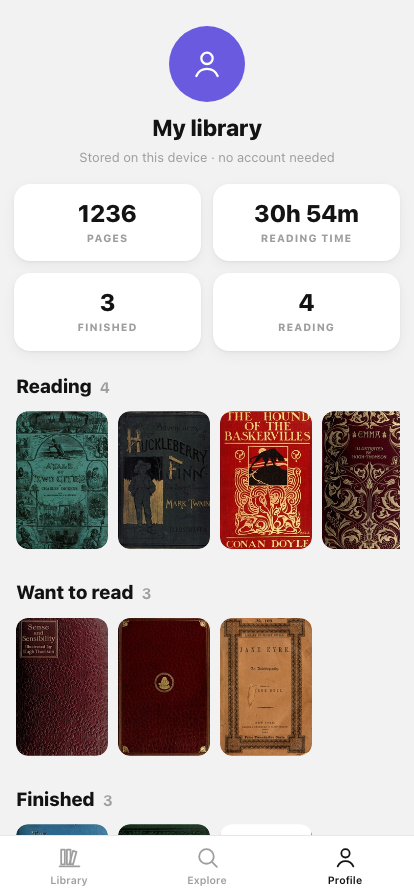
Pages read, hours, books finished and the months you actually read in — computed from your own reading log, which never leaves the browser. JSON export/import moves the lot to another device.
Where the data lives
Your library never leaves the device — it's stored in the browser's own
localStorage. There's no sync and no account, so moving to a new
phone means Profile → Export on the old one and Import on the new one.
Book data and covers come from Open Library, a project of the Internet Archive. It needs no key and allows browser requests directly, which is why book lookups go through no server of mine — not even a proxy. The app itself is hosted on Vercel, which keeps a log of the requests it serves, your IP address among them, for about an hour, and the web app counts screen views with Vercel Web Analytics — no cookies, only which screen was opened, never a title or a search.
Once a day the app also sends an anonymous usage count: which screens were opened and which features used, how many errors of which type, the app version, platform, language and date, and the week you started using it — no IDs of any kind, never a title, a search or anything you type. It is kept only as running totals, for 400 days, and is never used for ads, shared or sold. Profile → Share anonymous usage statistics turns it off and deletes the counts kept on the device; in a browser that sends Global Privacy Control it starts off. Details are under Legal & privacy.
Installing it
iPhone
Open it in Safari, then Share → Add to Home Screen.
Android
Open it in Chrome and accept the Install prompt, or use the menu → Install app.
Desktop
It just runs in the browser — no install needed.
Installing is worth it for a reason beyond convenience: Safari clears script-writable storage for sites you haven't opened in a while, so a reading log kept in a browser tab can quietly disappear. Installed to the home screen, it's exempt — and it opens like an app and works offline.
What it isn't
A free project, not affiliated with the Internet Archive, Goodreads or any bookseller. There are no affiliate links and nothing to buy. Being local-first also means no friends, no reviews and no sync between devices — those need a server and accounts, which is exactly what this doesn't have.
Book series aren't modelled yet: Open Library's series data is inconsistent enough that a cycle currently shows up as separate books. Coverage of non-English editions is thinner than English, though searching in Cyrillic does work.