What it looks like
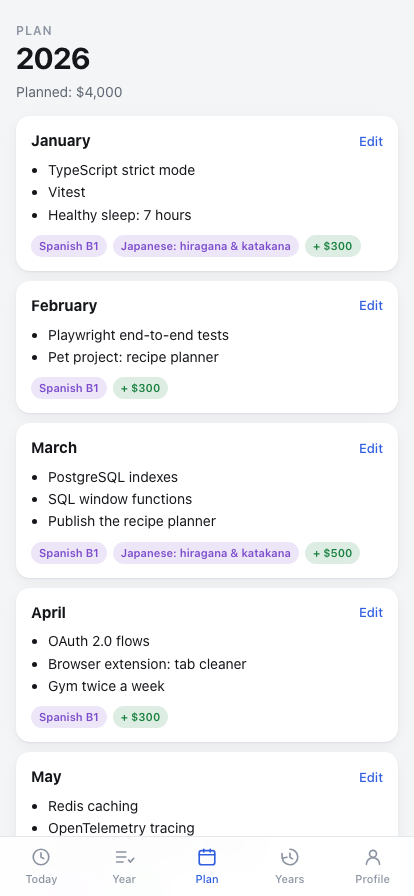
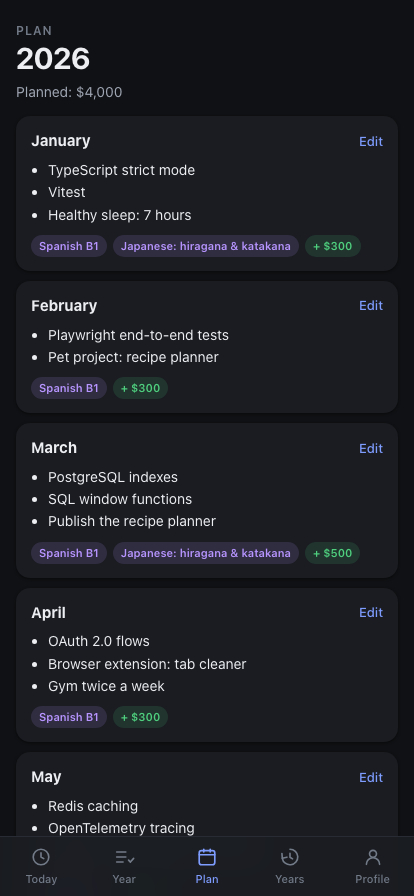
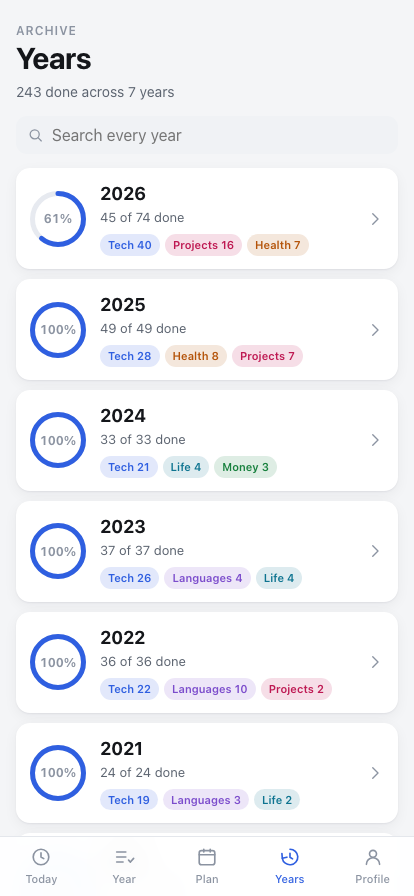
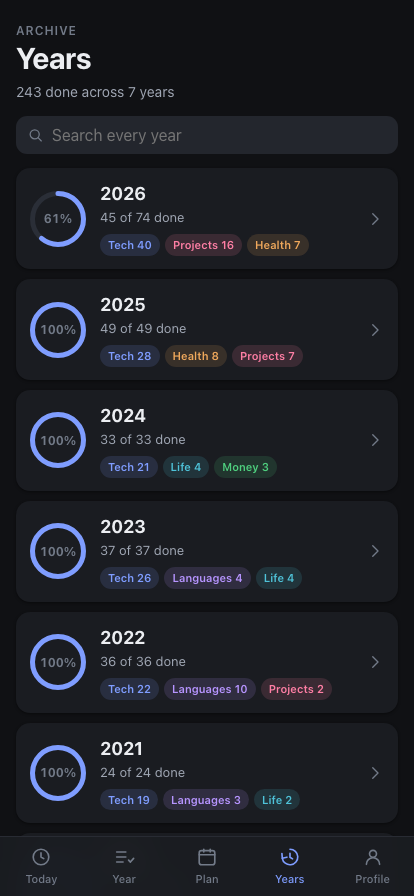
What it does
-
A year, one tick at a time
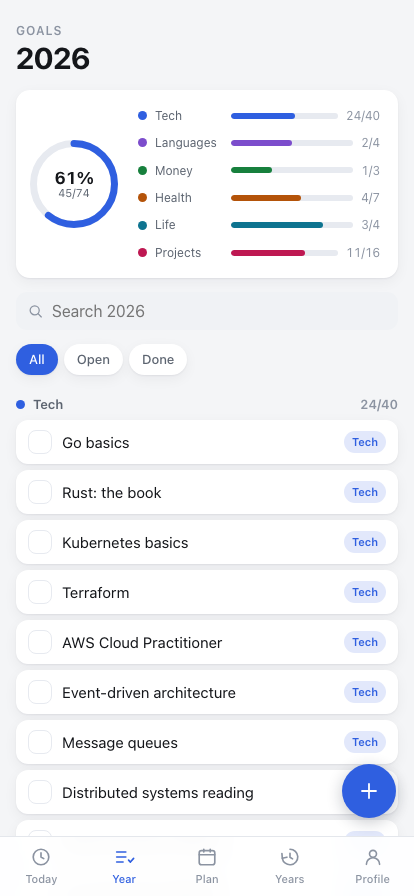
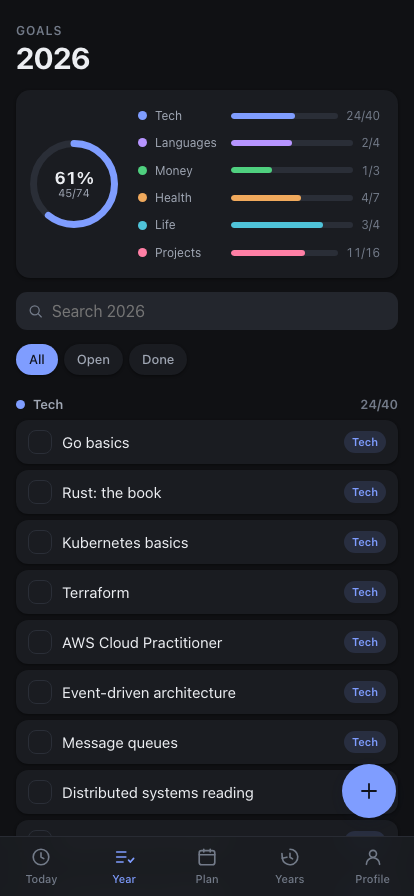
Every goal is a checkbox. Open ones sit at the top and ticked ones drop to the bottom, so what is left is always the part you are looking at.
-
Progress you can see
A ring for the year and a bar per category — Tech, Languages, Money, Health, Life, Projects — so the shape of the year reads before any single row does.
-
Twelve months of focus
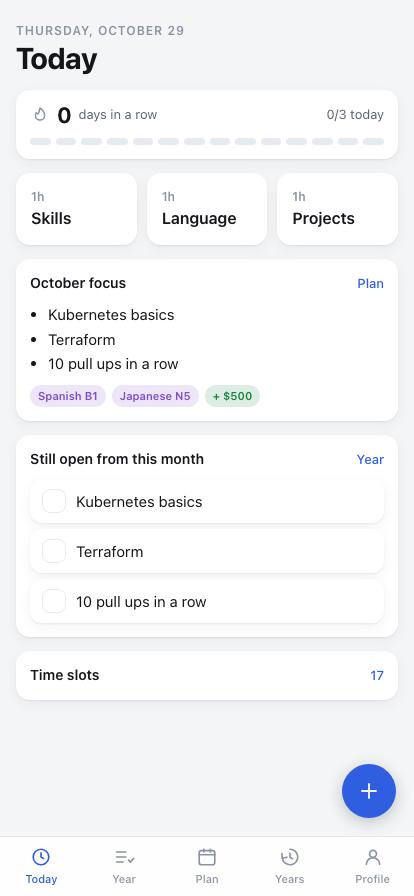
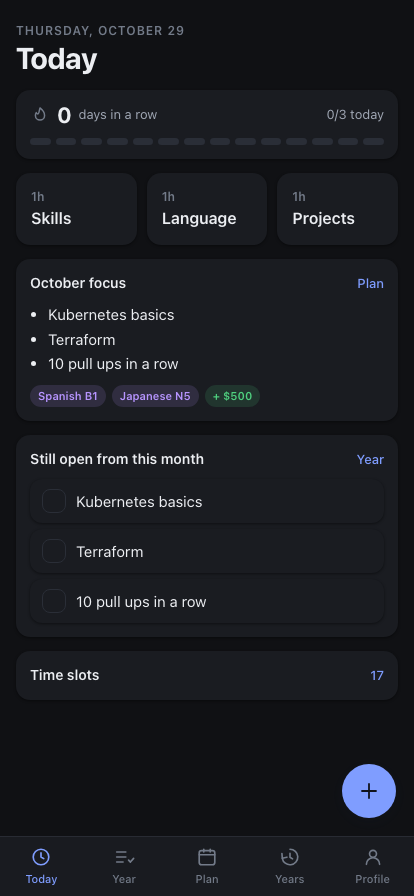
Each month says what to study, what to earn and which language level to reach. Its focus list is picked from the year's goals, not retyped.
-
The day, in three hours
One hour professional, one for languages, one for everything else. Close all three and the streak grows; the last fortnight sits under it as a row of dots.
-
Every year you have kept
Past years stay whole and searchable. "When did I do Docker?" is one search across all of them — the question a spreadsheet was worst at.
-
A backlog to pull from
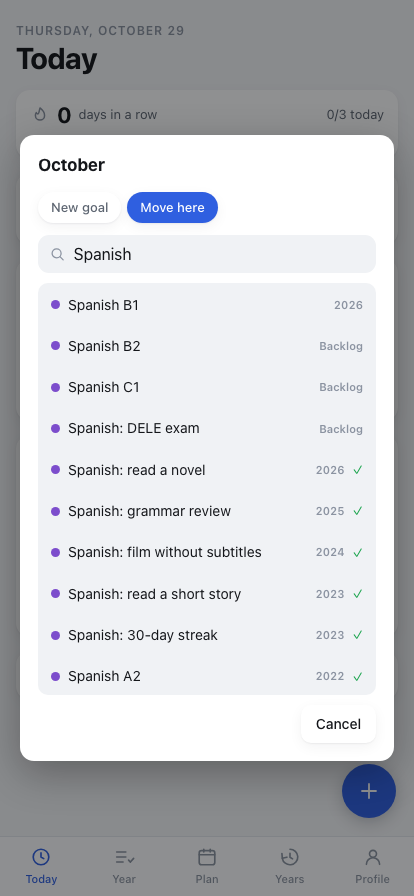
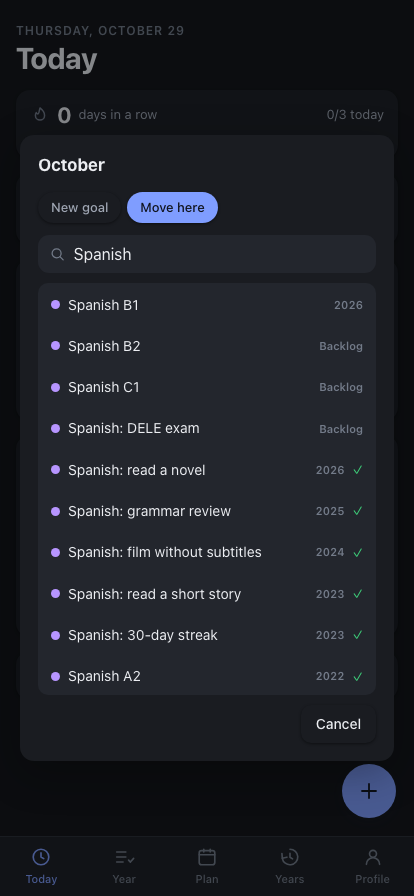
Someday items live apart from the years. When one stops being someday, move it into today — it joins the year and this month's list.
-
Twenty languages
Interface in twenty, Arabic included — which flips the whole layout right to left. Dates, month names and amounts come from the system, correctly declined.
Where the data lives
On your device, in the app's own private storage — not in the web view's site data, which iOS may reclaim under storage pressure and which "Offload App" discards. There is no account and no sync, so moving to a new phone means Profile → Export on the old one and Import on the new one, as JSON or as a CSV you can paste back into a sheet.
Your goals never leave the device. The app keeps nothing of yours on a server and queries no catalogue: everything it shows, it already holds, which is why it behaves the same with the network off. The one request it makes is an anonymous usage count, once a day — which screens and features were used, errors by type, the app version, platform, language and date — with no IDs and nothing you type, kept only as totals. Profile → Share anonymous usage statistics turns it off. Details are in the privacy policy.
Getting it
It is in open beta on TestFlight. Install Apple's TestFlight app, open the link, and GoalsTable installs alongside your other apps.
Android and a browser version run from the same code and are not published yet.
What it isn't
Not a habit tracker and not a to-do list: the unit here is a year, not a day, and a goal is something you finish once. Being local-first also means no sharing, no friends and no sync between devices — those need accounts and a server holding your goals, which is exactly what this does not have.
The sample goals are invented — the size and shape of the original spreadsheet, none of its content — and they seed only on first launch: delete a goal and it stays deleted. There is no per-day planning yet: what you add "to today" joins the current month, which is what the Today screen reads.