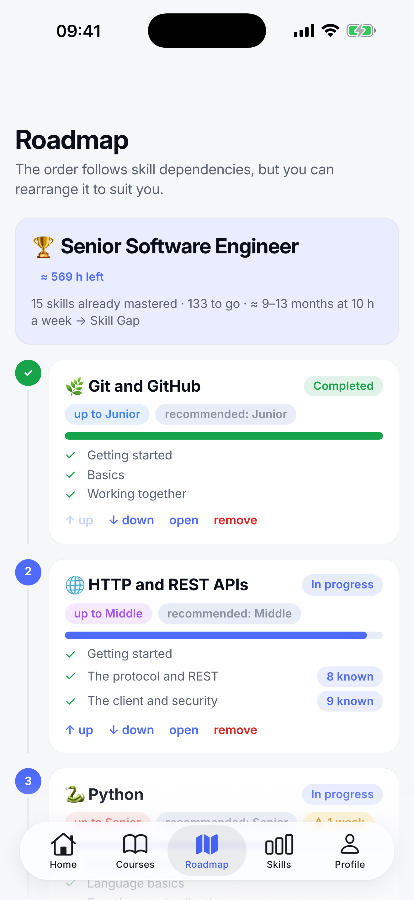
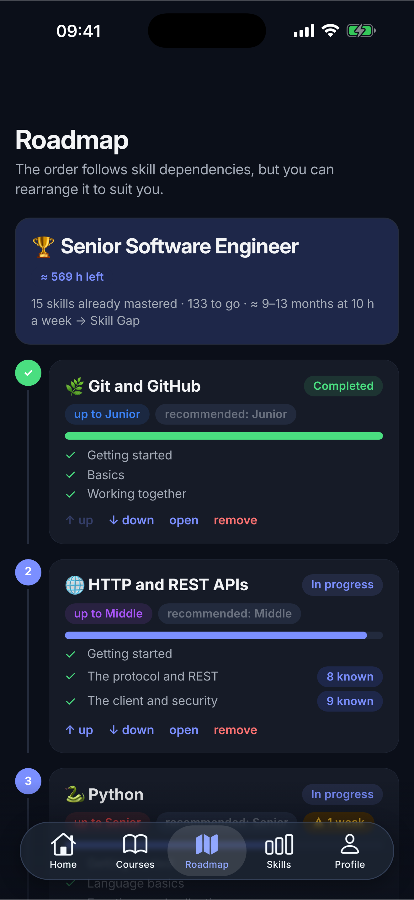
What it looks like
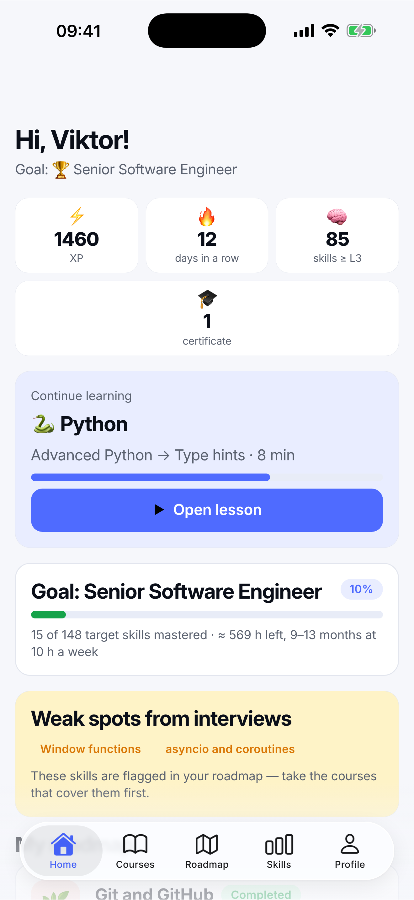
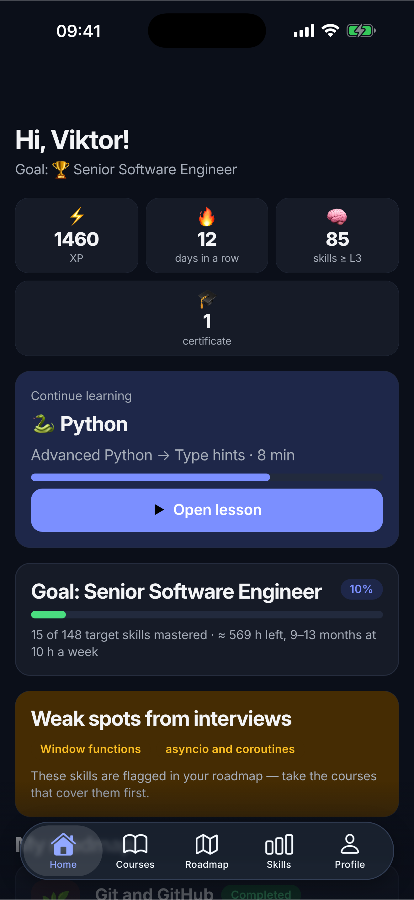
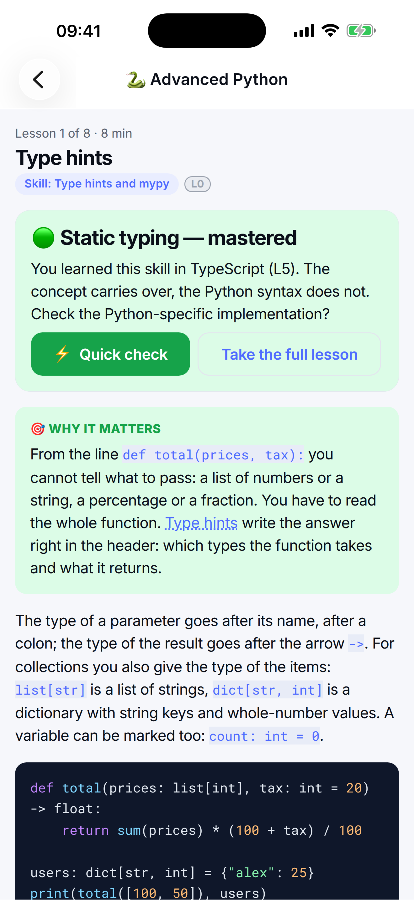
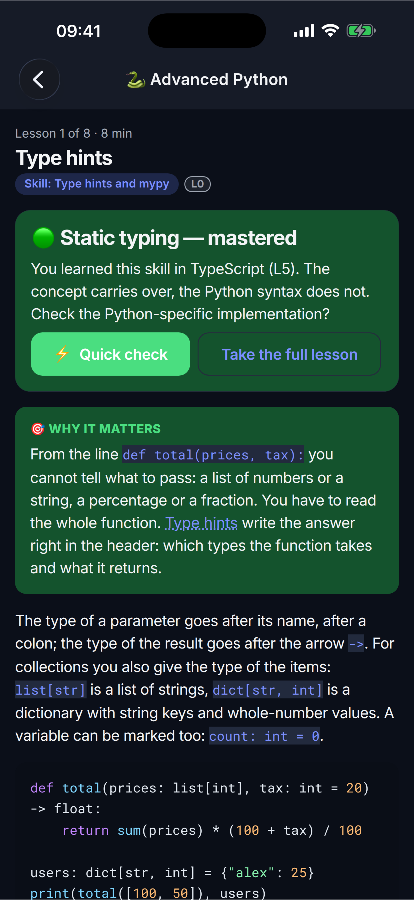
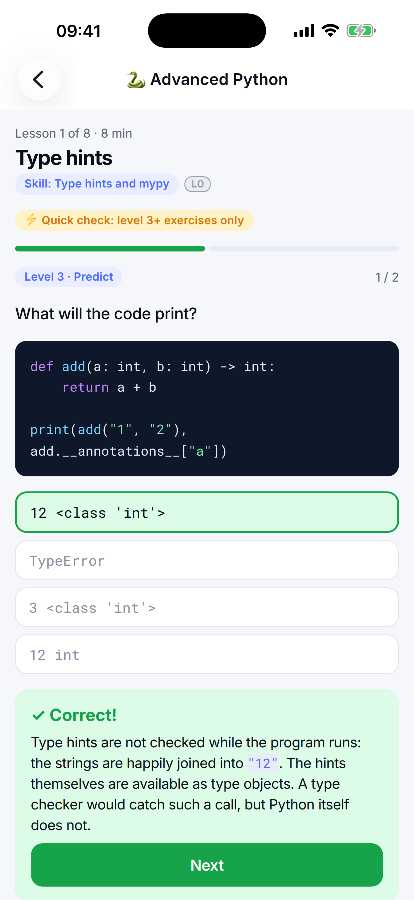
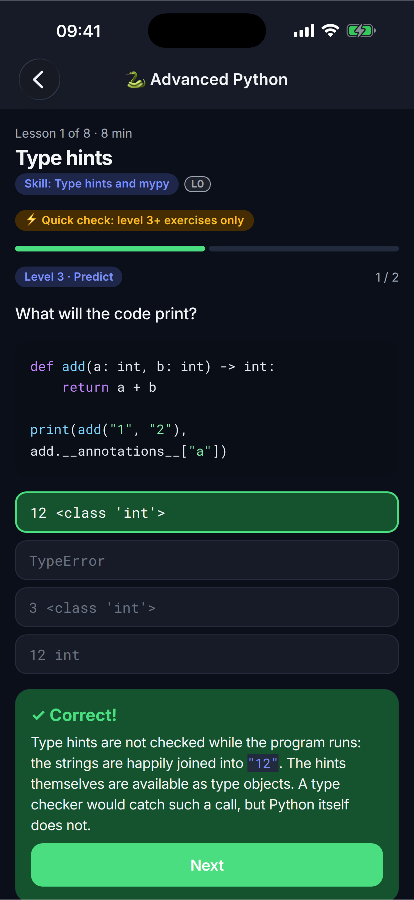
What it does
-
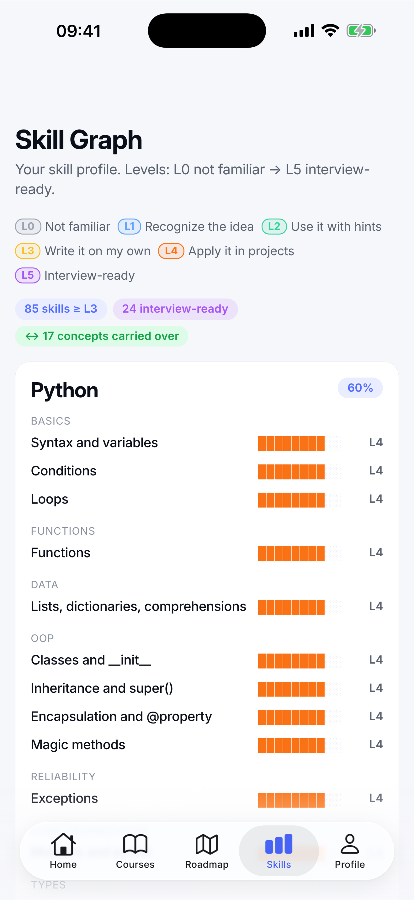
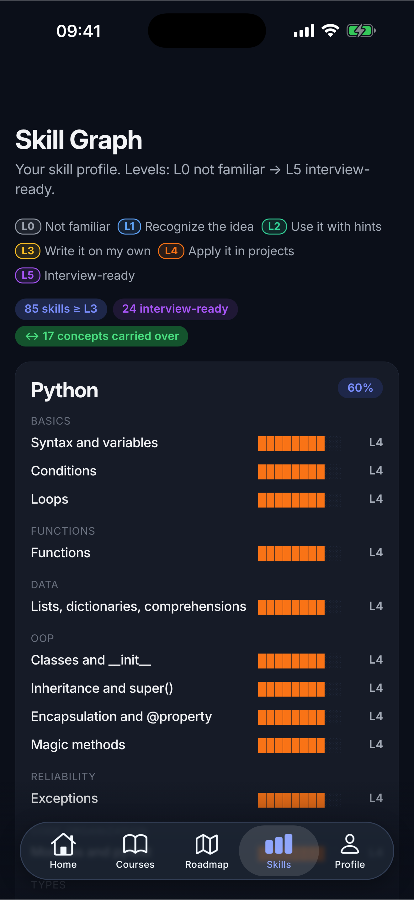
A skill graph, not a course list
559 skills across 38 technologies, each from L0 to L5, with prerequisites between them. Courses exist to close gaps in the graph, so finishing one is a side effect, not the point.
-
Starts from zero, one idea at a time
Every course opens with a no-code introduction: what the technology is for, told with an everyday analogy. Every lesson starts with the problem it solves, teaches one idea, and every new word is a tap away from a plain-language definition — no googling. You can also listen to a lesson: the device reads it aloud and points at the code instead of spelling it out.
-
What you know carries over
23 universal concepts link the languages. Learn classes and inheritance in JavaScript and the Python lesson only checks the syntax; declarative UI from React counts towards SwiftUI and Compose. Twelve courses about ideas rather than a language — HTTP, testing, Kafka, architecture, security, algorithms and more — can show their code in JavaScript or in Python, whichever you read better.
-
A roadmap you can argue with
Nineteen goals, from Senior Software Engineer to data analyst, ML engineer and game developer, each with its courses ordered by their prerequisites. Move them, drop them, and choose how deep each one goes, from Beginner to Senior. Each course and goal says when you will be done: by the courses' hours at ten hours a week until you have a pace of your own, then at the pace you actually keep.
-
Five levels of practice
Recognise the missing piece, assemble code from blocks, predict the output, fix working code, then build something in a workspace with files and a terminal.
-
Code that actually runs
JavaScript executes on the device against real tests; SQL runs on a built-in engine; Python is the real CPython, compiled to WebAssembly, with numpy, pandas and scikit-learn included — all of it offline. In a project's terminal, node, npm test, python and pytest run your files; git and docker are simulated well enough to practise the everyday commands.
-
A project per course
Each course ends with a project you can publish to your own GitHub with your own token. Without a token, publishing is simulated and the app says so.
-
Interview practice
Questions for every goal, answers scored by how many of the key ideas they cover — by keyword, not by an AI. The skills you miss go back into the roadmap as weak spots. The questions, and the answers the scoring understands, are in English, Russian and German — every language the app speaks.
What's in it
37 courses, 417 modules, 2,288 lessons and 18,637 exercises — about 2,337 hours if you did every one of them, which is exactly what the app is built to spare you.
- Python
- SQL & PostgreSQL
- FastAPI
- Docker
- Nginx
- CI/CD
- Cloud
- Kubernetes
- Terraform
- Redis
- Kafka & events
- Architecture & System Design
- Application security
- Performance & SRE
- AI & LLMs in production
- Algorithms
- Computer networks
- Operating systems
- Product analytics & A/B tests
- Statistics & data analysis
- Machine learning
- MLOps
- JavaScript
- TypeScript
- React
- Vue
- React Native
- Swift, iOS & macOS
- Kotlin & Android
- Electron
- Rust & Tauri
- C#, .NET & Windows
- Java & the JVM
- Game development
- Git & GitHub
- HTTP & REST
- Testing
The interface speaks English, Russian, Spanish, Portuguese, Japanese, German, French, Turkish, Indonesian and Korean. Every course is in English and Russian, and 32 of the 36 in all ten; a course not yet in yours is shown in English.
How it works
-
Say where you are
Pick a role and a level, then adjust technology by technology. A frontend developer with ten years behind them starts with JavaScript, TypeScript, React, Vue, Git, HTTP and testing already credited — none of it is taught again.
-
Pick a goal
The goal sets the target level for every skill it needs. Senior Software Engineer asks for 244 of them, across 31 courses; the Skill Gap screen shows which you have and which you don't.
-
Study only the gap
Lessons you already know are marked as known, ones whose idea you learned in another language only check the syntax, and every module can be skipped by passing its test. What is left is what you actually need.
-
Show it
Finish the project, publish it, collect the course certificate, then run the interview simulator for your goal. Whatever it catches becomes the next thing on the roadmap.
Where the data lives
Without an account, on your device only, in the app's own private storage; to move to another phone, Profile → Copy the backup on the old one puts your progress on the clipboard as text, and Restore from the backup on the new one takes it back. With an account — optional, an e-mail and a password — your progress is also kept on the app's server in Frankfurt (Fly.io), so every device you sign in on picks up where you left off. Courses are downloaded from that server when you open them and then work offline. A GitHub token, if you give one, stays in the iOS Keychain or the Android Keystore: it never goes into a backup or to the server.
No ads, no analytics, no tracking. The app talks to its own server to download courses
and, if you sign in, to sync your progress; and to api.github.com only when
you publish a finished project with your own token. The details are in the
privacy policy; you can delete your
account in the app or by e-mail.
Getting it
It runs in the browser at mrwd.github.io/it-skills, and is in open beta on both phones. On a computer, Chrome, Edge or Safari can install it as an app of its own, with an icon in the Dock or the Start menu, that opens without a connection once it has been opened with one. On an iPhone, install Apple's TestFlight app, open the link, and IT Skills installs alongside your other apps. On Android, open the Google Play link, join the test, and install it from Google Play like any other app.
What it isn't
Not a compiler for every language. JavaScript, SQL and Python actually run — Python in a single thread, so a concurrent program's results and errors are real but its timings are not. Swift, Kotlin, Java, C#, Rust and the rest, and FastAPI, which needs a web server, are checked by the structure of your code, and the output you see is the one written into the lesson — which is why those exercises have no Run button: the app does not pretend to execute what it cannot.
Certificates are issued by the app itself and kept on your device (and in your account, if you have one): a record of what you finished, not a qualification anyone can verify. The lessons were written with AI assistance. Every exercise's reference solution is checked automatically on each change, but not every page of theory has been read by a person yet — if you spot a mistake, tell me.